
Just like you will check reviews before buying a blender, why would you opt for a doctor with minimal research?
But here is the thing, all of us select a medical provider within seconds of search and after looking through a few tabs. The listing is not well organized, the information is out-of-date, and it is difficult to know if the provider accepts new patients.
The good thing is that searching for a reliable doctor online is only a matter of minutes if you know how to go about it. This guide will teach you how to search for a doctor online, how to compare doctors online, and how to schedule confidently.
MeQure puts doctor search online, comparison, and doctor booking online in one flow. You can run an online doctor search by specialty, insurance, and availability, compare doctors online in one view, and finish with doctor booking online in a few clicks. It’s the simplest way to find a doctor online without second-guessing.
Why Searching for a Doctor Online Beats Guesswork
Calling offices one by one is slow, and every office gives you a different amount of detail. Searching online fixes that.
- Fast: No hold music, no phone tag, no waiting for the call back.
- All in one place: Discover your specialty, location, insurance acceptance, and availability all in one place.
- Fewer surprises: Less risk of scheduling an out-of-network provider or one who is not taking new patients.
A good search will get rid of more of your uncertainty before your appointment, not after. That is the true benefit.
Step 1: Determine Your Needs
Ensure that you are clear on your needs before you even begin to write.
- Type of care: Do you need primary care, urgent care, or specialized care?
- Needs: Do you need a specific insurance coverage, location, language services, and telehealth appointment or an in-person appointment?
- Appointment scheduling: Do you need a same day appointment, next day appointment, or just a routine appointment which can be scheduled in a week or two from now?

Step 2: What to Compare When Comparing Doctors on the Internet
After collecting a small group of choices, compare the following attributes equally for all providers.
It’s the consistency that counts when comparing.
- Here is some basic information: Provider’s name, specialty, location, language skills, and visit type.
- Insurance: Make sure your provider is in-network for your specific plan, and not just your insurance company in general.
- Availability: Find out when they have availability and if they take new patients.
- Credentials and experience: Board certification and specialization can give you an idea about their strengths.
- Patient reviews: Find patterns in patient complaints about communication and long waiting times. One complaint doesn’t matter, but 10 might.
- Convenience: Office hours, office locations, and telemedicine all impact whether or not you’ll follow through with your visits.
A brilliant physician you can’t see isn’t the right physician for you.
Step 3: Spot the Green Flags and Red Flags in a Doctor Profile
Not every profile is created equal. A few quick checks tell you a lot.
Green flags:
- Complete, detailed information
- Details that match across sites
- Clear booking steps
- Current availability
Red flags:
- Missing or outdated details
- An address or schedule that differs from one site to the next
- Vague and exaggerated statements you can’t verify
The consistency of your practice is more important than fancy marketing. An unadorned but factual profile is better than an elegant one that directs people to the wrong place.
Remember: a profile is your tool for deciding whether to hire you. It is not a substitute for a consultation.
Step 4: Develop a Short List and Pose Tangible Questions
You don’t have to come up with ten choices. Instead, choose two or three and find out what is lacking from them: whether it is the schedule, the procedure for the visit, or the booking process.
A phone call to the office should suffice in clearing up all your doubts. The following are some questions that you might want to ask:
- Are you taking new patients?
- Do you approve of my offer?
- What is the earliest time I can have an appointment?
- Is there any option of follow-ups through telemedicine?
The most effective first option is not the first one on the list. It is the one that directly answers your question.
Step 5: Book Online and Be Prepared
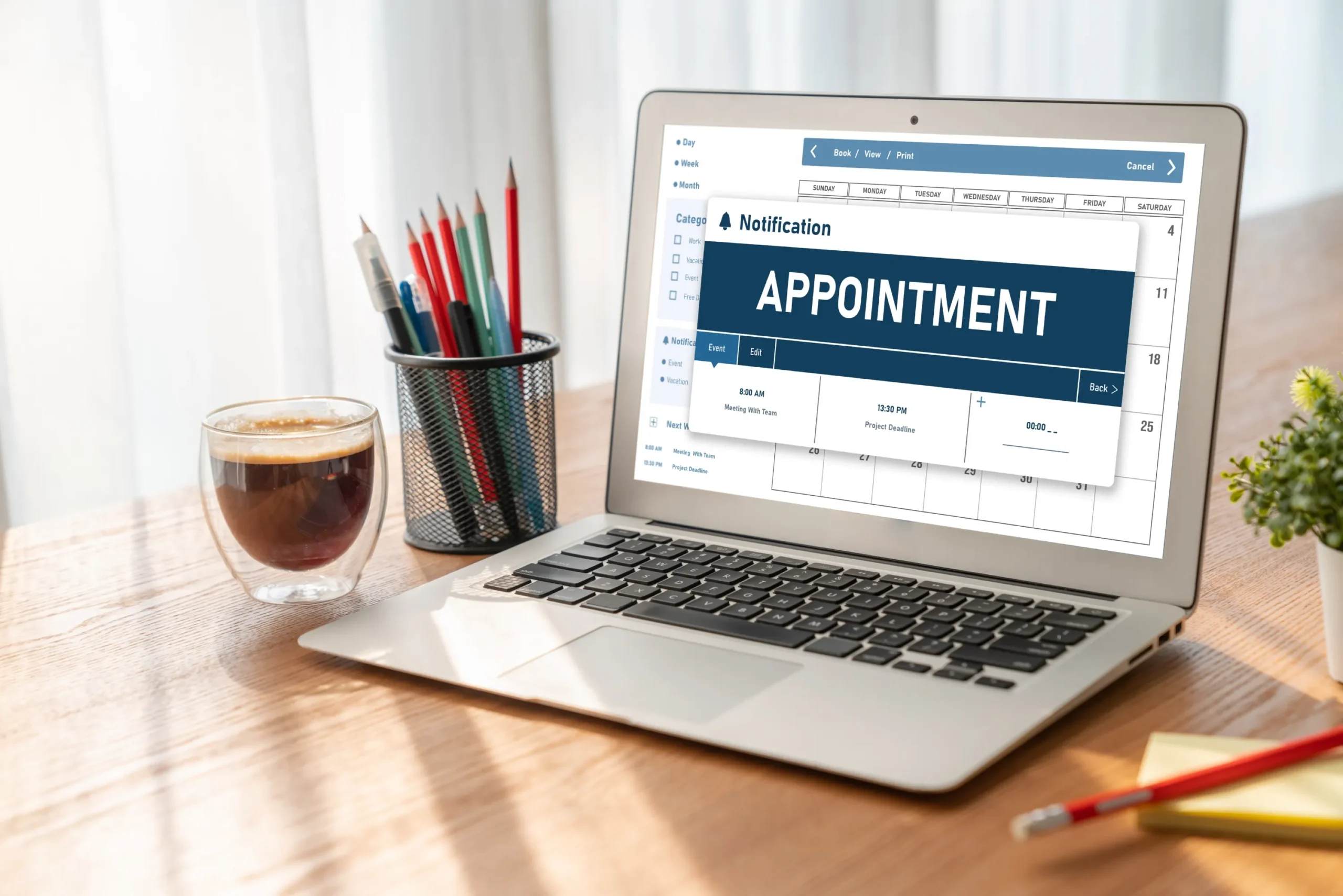
Having selected the provider you will use, booking an appointment for the doctor online saves you a great deal of time. You immediately view available appointments and receive confirmation right away.
Before the visit, have these ready:
- Your insurance card and photo ID
- A current medication list
- Your symptoms/concerns (written down)
Once you make an appointment, make sure you have the right date, place, and kind of appointment. In case you are seeing a new family doctor for the very first time, our checklist called [What Should You Bring to Your First Primary Care Appointment?] might be useful.
Conclusion
It is easier to locate a suitable doctor when you compare identical information each time and make bookings through a source that provides accurate availability information. Just follow the five-step process: define your requirements, compare your fundamentals, raise your red flags, compile a list, and then book.
FAQs
1. Is it safe to find a doctor online and book an appointment?
Yes, when you use a trusted platform. Look for clear provider details, secure booking steps, and transparent privacy practices. Use online tools to choose and schedule a provider, and keep medical questions for the consultation itself.
2. What’s the best way to compare doctors online if I have insurance?
Start by filtering for in-network providers for your specific plan. Then compare availability, specialty focus, visit format, and review patterns. Platforms like MeQure let you apply insurance and availability filters in one search, so you only compare providers who can actually see you.
3. Can I book same-day appointments through doctor booking online platforms?
Often, yes. Many providers release same-day and next-day slots, and telehealth visits can open up even faster. Filter by availability to see who has openings today, and book early since same-day slots fill quickly.
Ready to Find Your Doctor Without the Guesswork?
Search, compare, and book trusted providers near you on MeQure, by specialty, insurance, and availability.